AI WEBSITES FOR BUSINESS, FAMILY + COMMUNITY

Build a site that fits what you're actually making.

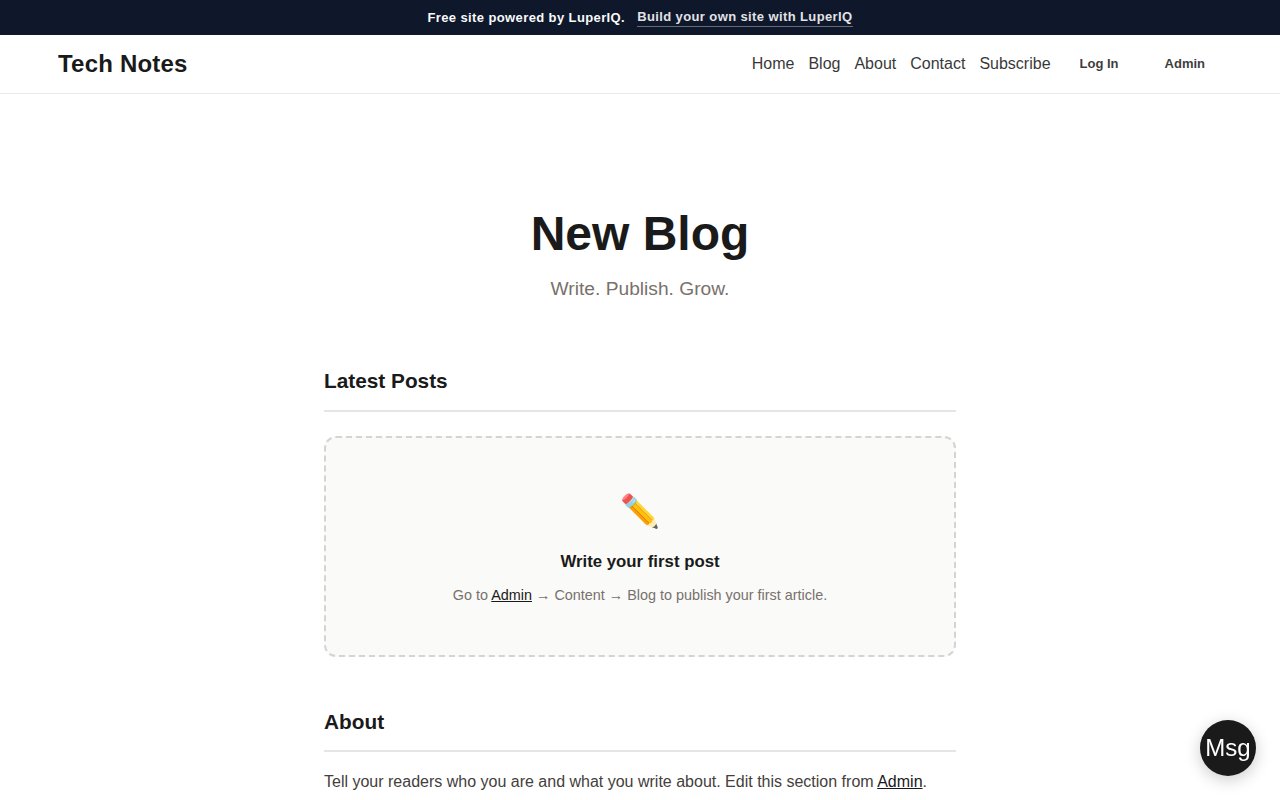
LuperIQ helps you launch useful websites for service businesses, restaurants, repair shops, creators, churches, classrooms, clubs, families, and events. Start free for personal and community sites; add business tools like booking, invoicing, portals, SEO, and AI workflows when the site needs to run real work.

Business Sites Family Hubs Church & Club Sites Booking SEO AI Workflows
Business sites with follow-through Booking, invoices, customer portals, service pages, SEO, and AI workflows help the site do more than sit there.
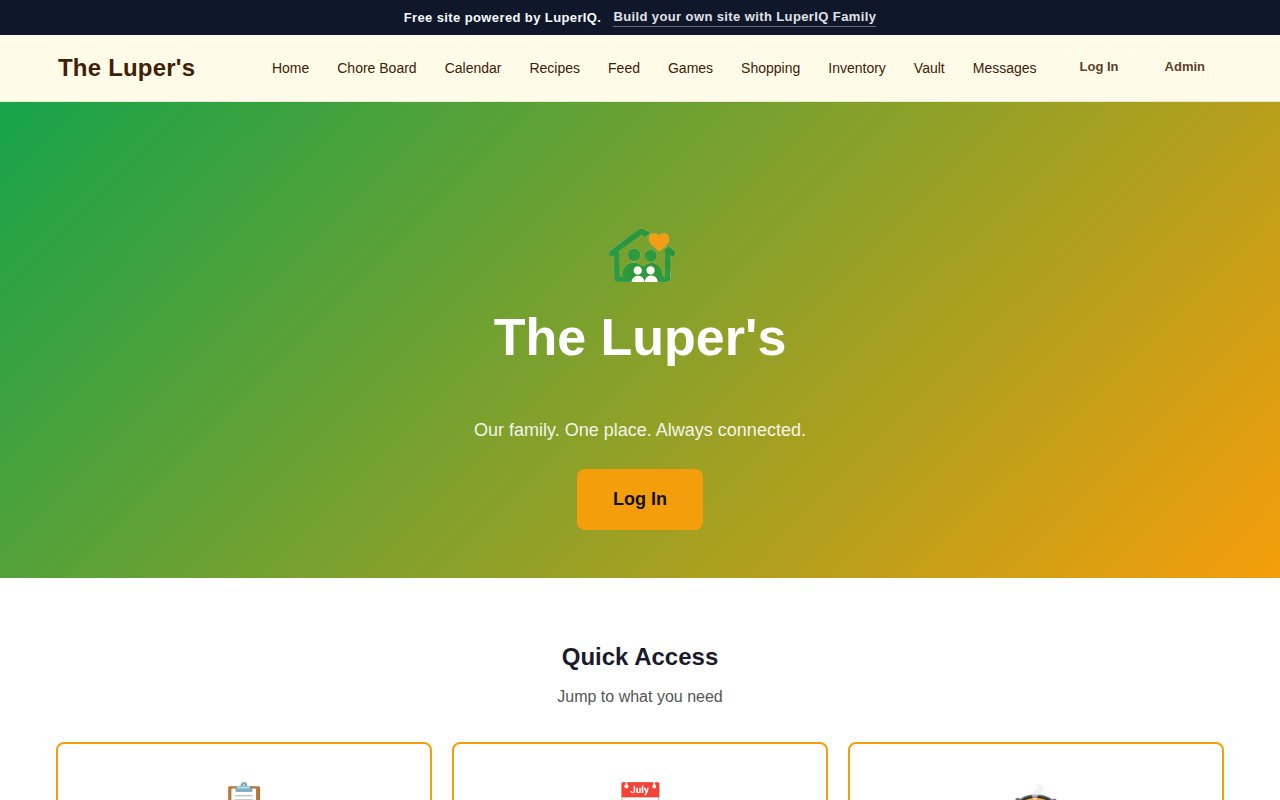
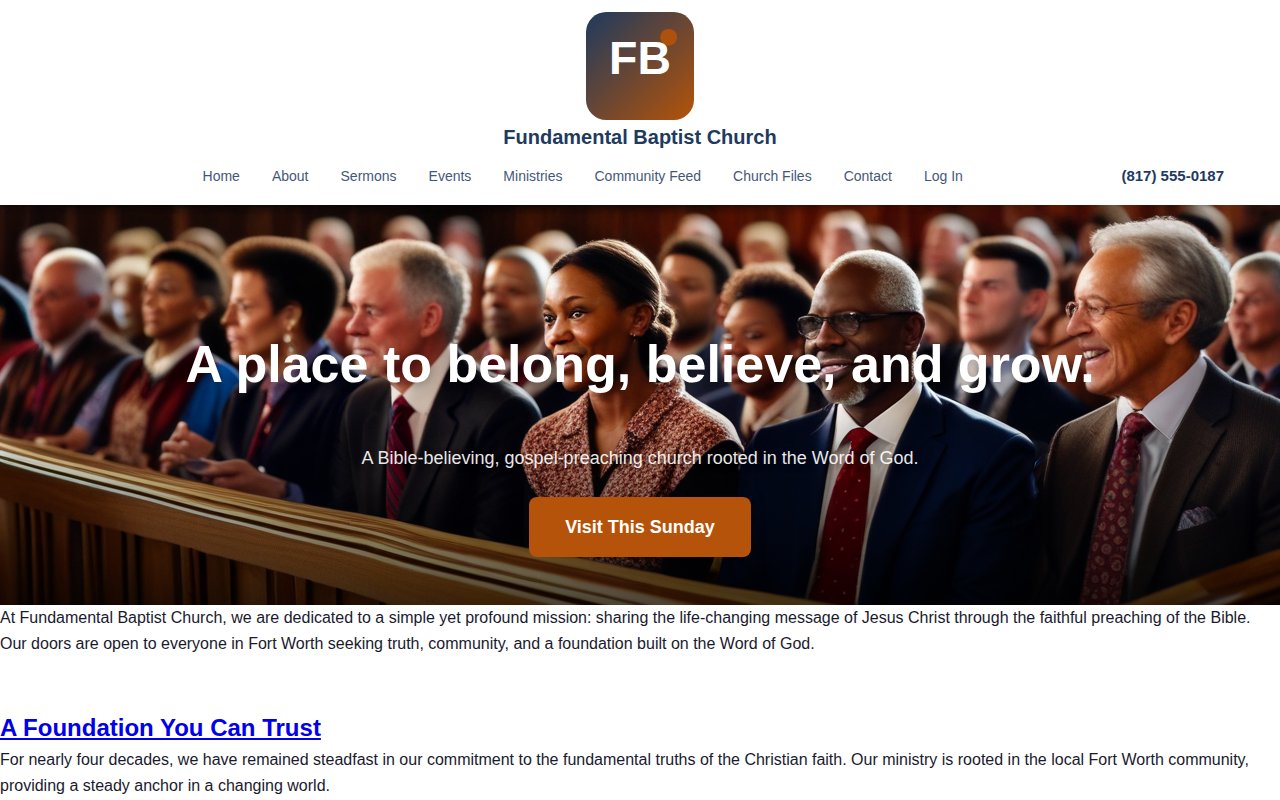
For free personal and community sites Families, churches, classrooms, clubs, teams, reunions, creators, and special events can start without a credit card.
Real site-type starting points 44 starting points cover businesses, communities, hobbies, households, creators, and local groups.
44
Total Site Types
29
Free Community Types
15
Business Site Types
114+
Paid AI Workflows
8+
Industry Themes
101
CMS Modules

One platform, different kinds of sites

A family hub does not need the same toolset as a plumbing company, but both should start from a structure that matches the real use.

CMS Platform

LuperIQ CMS

Your public pages and private workflows in one place

Build public pages, private hubs, customer actions, member areas, forms, content, and AI-assisted updates inside the same CMS. A business can add operations. A family, club, church, or classroom can keep the experience simpler.

Explore LuperIQ CMS →
Operations

Booking, payments, portals, and field work

When the site needs to run a business

For local businesses, the missed opportunity is often the handoff after someone wants help: scheduling, forms, service history, estimates, invoices, reminders, and clear next steps.

See CMS business modules →
AI Services

AI workflows with visible costs

Use AI where it saves time

AI helps with service descriptions, SEO metadata, content checks, page drafting, and admin writing. LuperIQ shows credit costs before the work runs, so AI feels like a tool you control instead of a mystery bill.

Explore AI workflows →
WordPress Bridge

LuperIQ Modules

Useful when WordPress is already home

If you already have a WordPress site, the module path gives you SEO, content, conversion, and analytics tools without forcing an immediate platform move. The long-term CMS path stays open when you are ready.

Explore modules →
Examples

Site-type starting points

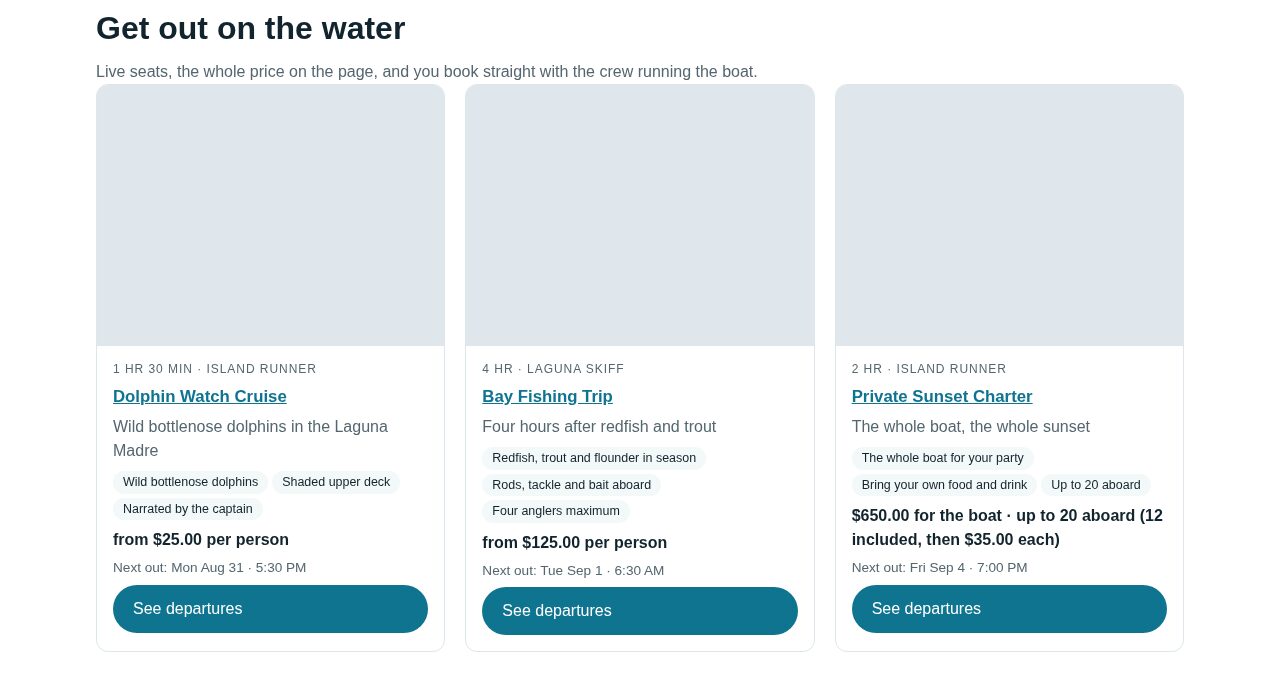
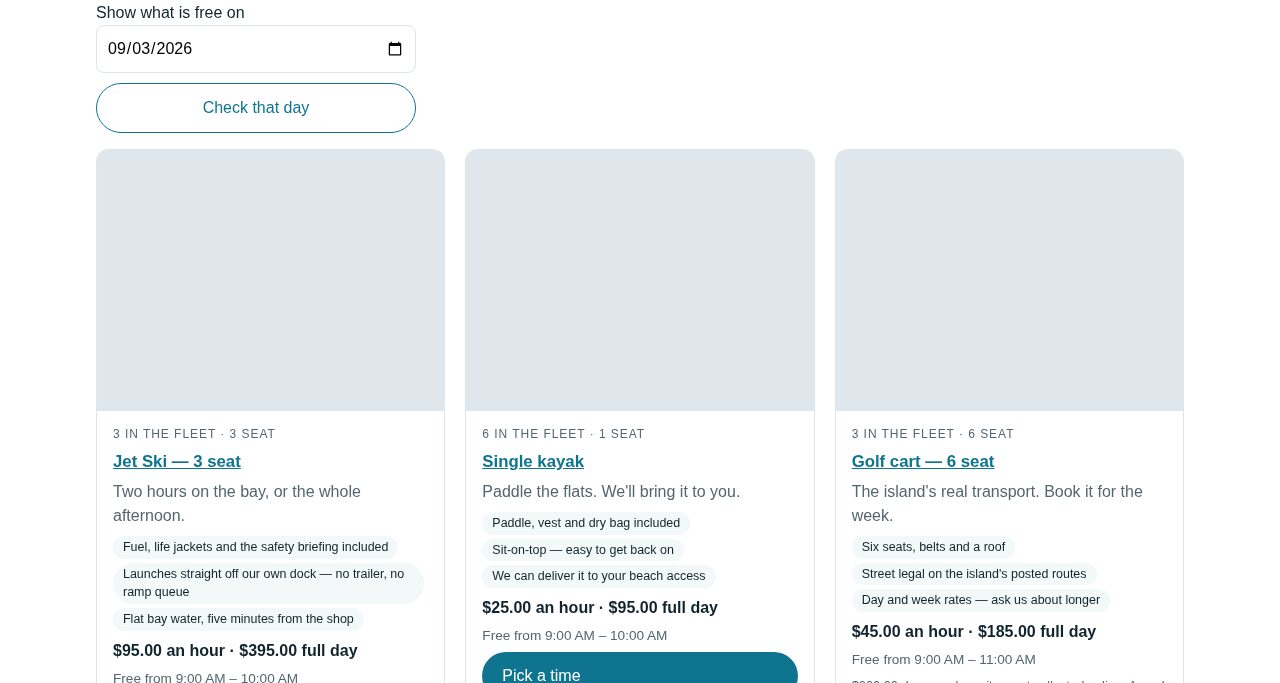
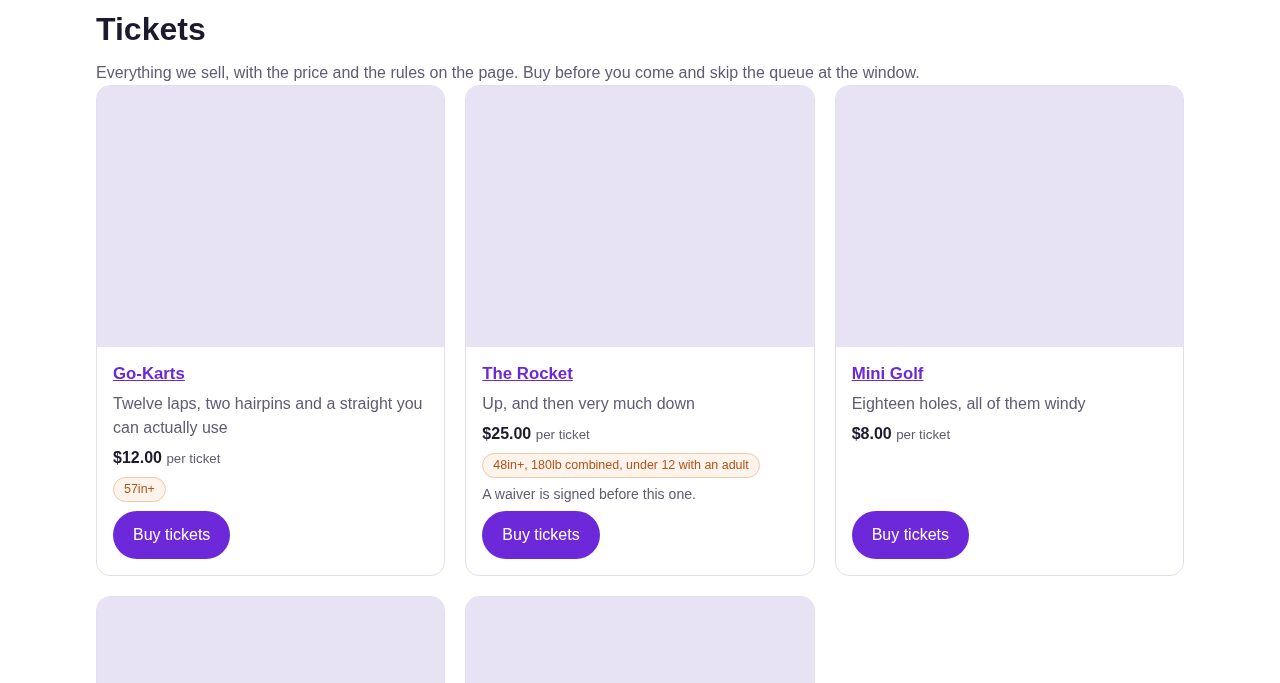
Start from the type of work you actually do

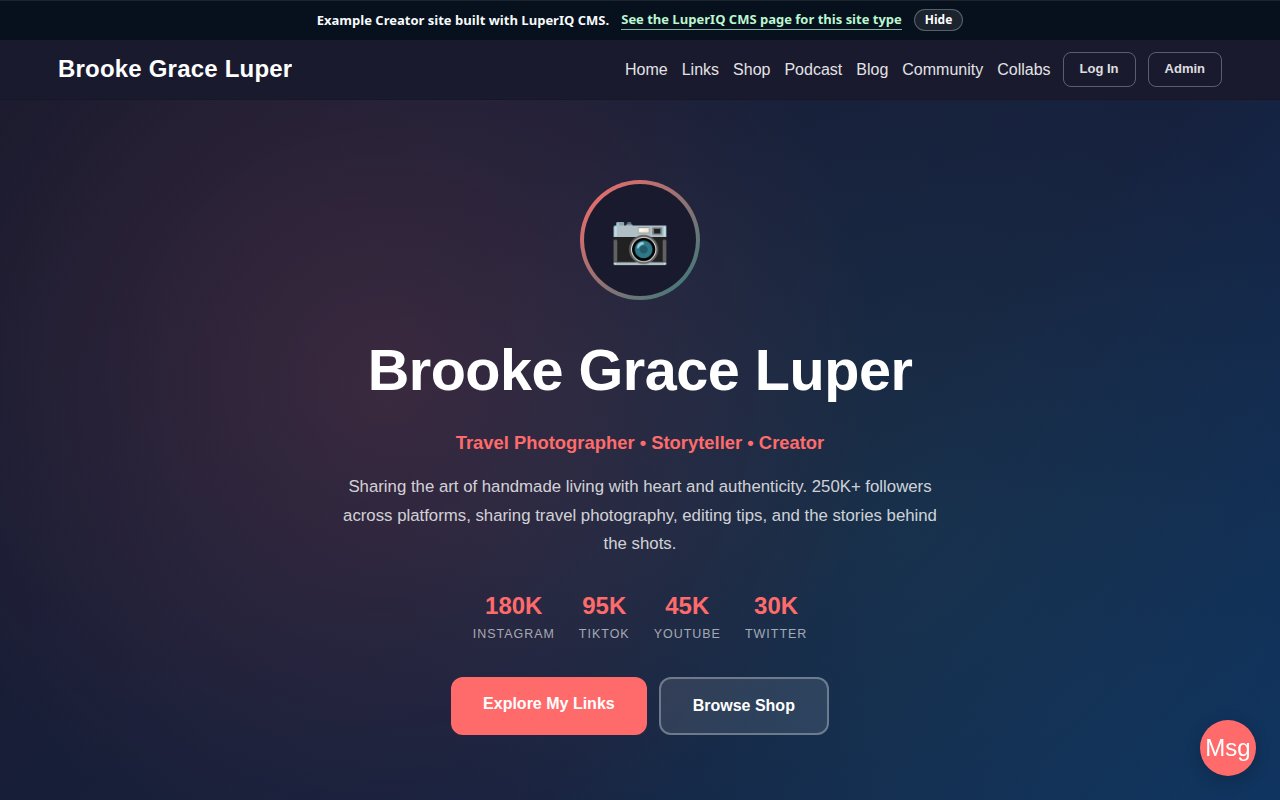
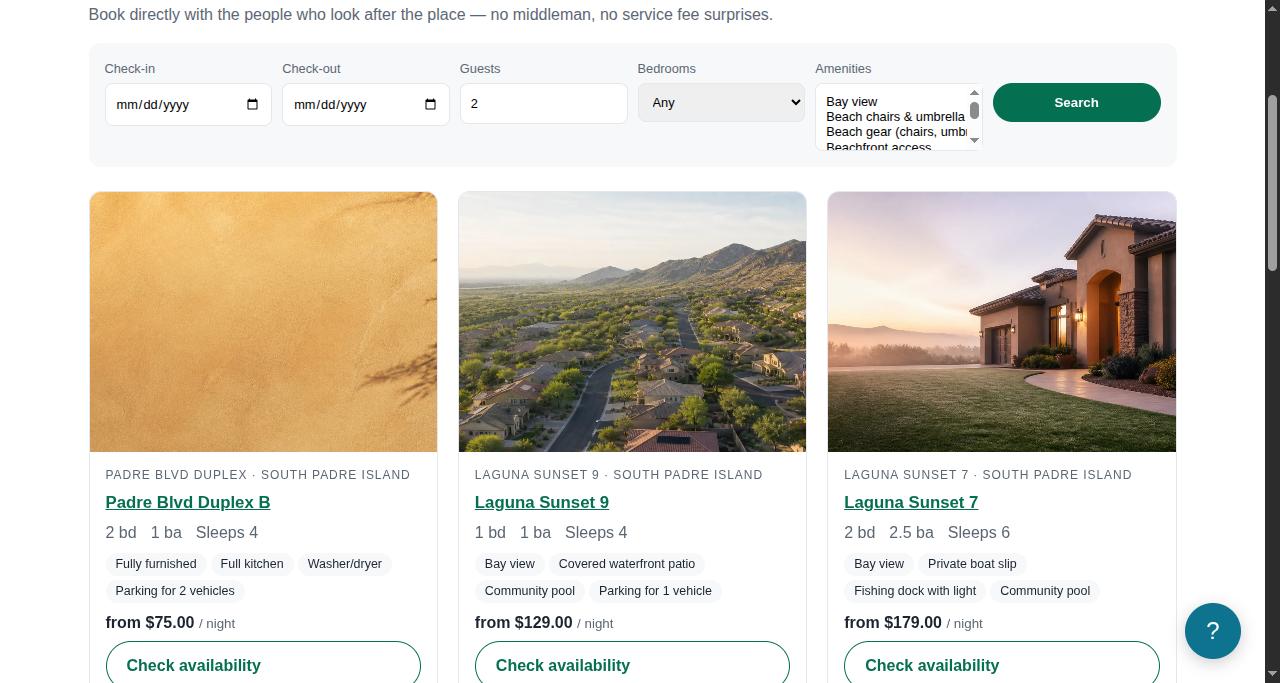
Use starting points for businesses, families, churches, clubs, classrooms, teams, reunions, creators, and local groups. Each one should have its own structure, not a swapped-keyword shell.

Browse CMS industries →

What business sites add after launch

When a site needs to bring in customers, it has to earn trust, capture intent, and make the next step easy.

SEO & Visibility

Make pages understandable

Service pages, area pages, schema markup, metadata, sitemap handling, and content workflows that help people and crawlers understand what the business does.

Calls to Action

Give visitors the next step

Book, call, request an estimate, ask a question, join a list, or open a customer portal. The CTA should match the job, not just shout from every section.

Customer Follow-Up

Reduce the dropped-ball moments

Booking confirmations, customer messages, invoice notices, reminders, portal updates, and simple email tools that keep the business responsive.

AI Workflows

Help with the blank page

Draft service descriptions, summarize customer context, check content quality, improve metadata, and speed up admin writing without pretending AI replaces business judgment.

Theme Studio

Keep design editable

Industry-ready themes, visual layout controls, color presets, responsive previews, headers, footers, popups, and page blocks that can change as the business changes.

Analytics & Records

Know what happened

Traffic signals, conversion tracking, SEO reporting, job and customer records, exportable data, and rollback history so the team can learn without losing work.

When the site becomes a business system

For business sites, the public pages, admin tools, and customer workflow belong together.

Booking & Scheduling

Let customers book online

Real-time availability, service selection, technician assignment, and automated confirmations without making the owner babysit another disconnected scheduling account.

Invoicing & Payments

Get paid faster

Generate invoices from completed jobs, accept Stripe payments, track balances, and support financing or quotes where the business model needs them.

Field Operations

Manage your team

Technician profiles, job assignments, inspection reports, work logs, customer portal access, and route-aware workflows for field-service businesses.

Built-In AI Tools

Save hours on content and SEO

Write page drafts, service descriptions, summaries, and metadata with AI tasks that show the credit cost up front. Use the help, then edit the final page like an owner.

Theme Studio

Design your site visually

Pick a theme, customize colors and fonts, build headers and footers, add popups and sidebars, and preview changes before they go live.

Your Data, Protected

Every change saved, nothing lost

Every edit is saved automatically. If something goes wrong, roll back to an earlier version. Customer data stays separated by site and is designed to be recoverable.

How businesses use LuperIQ

Business sites get the deeper operations stack. Personal and community sites get the simpler path.

Local Service Companies

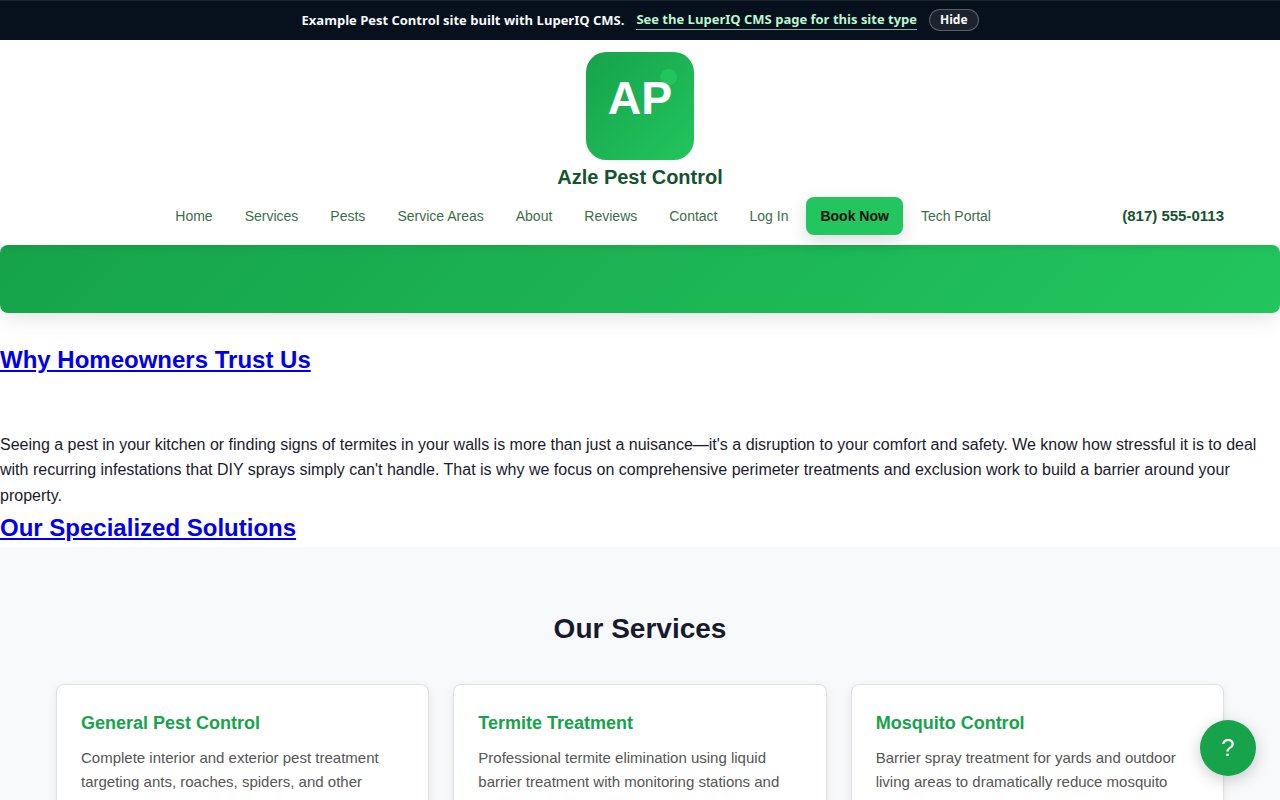
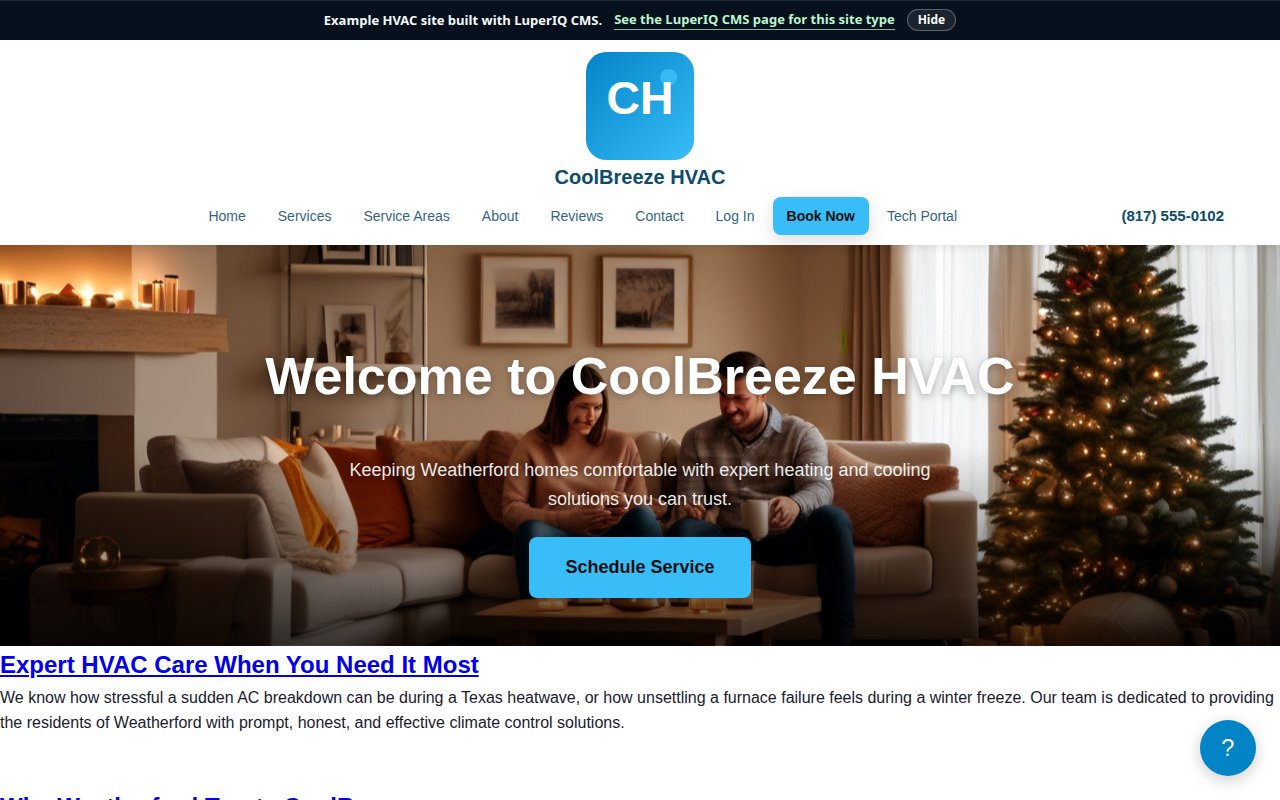
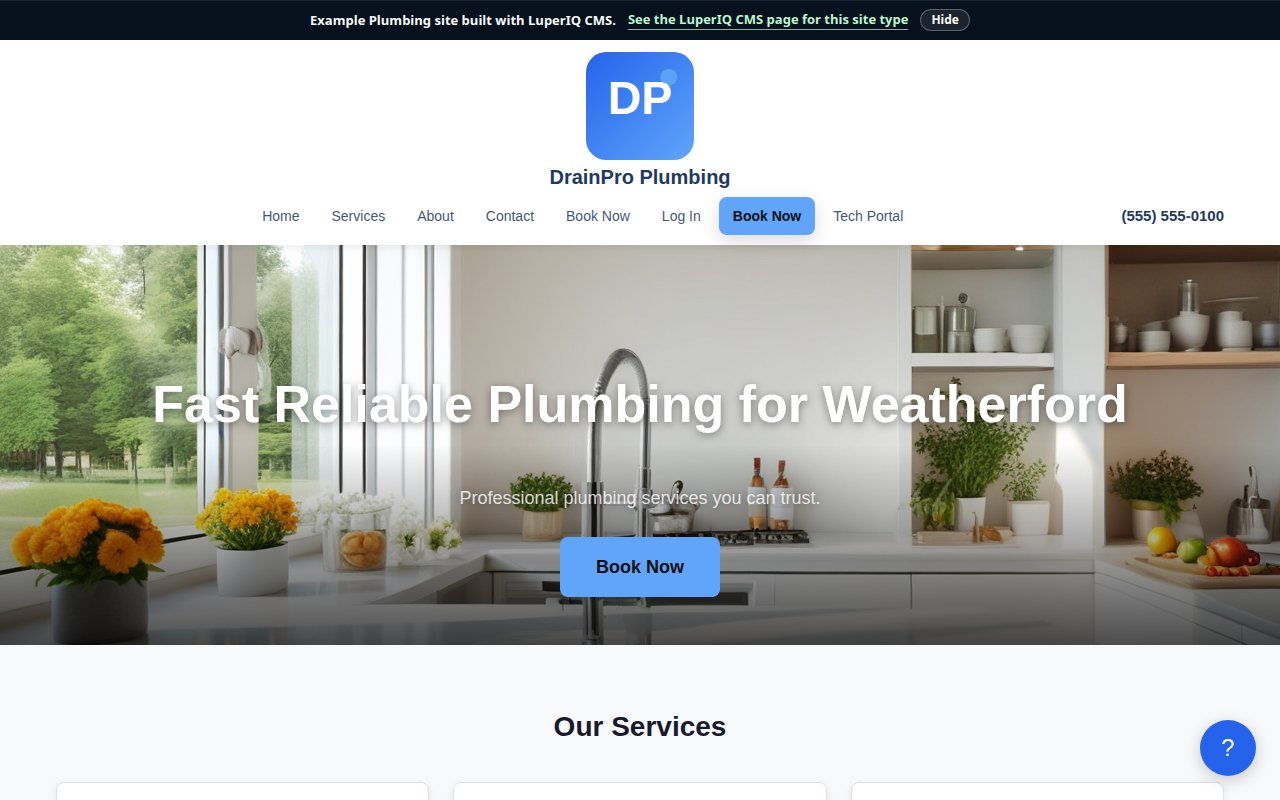
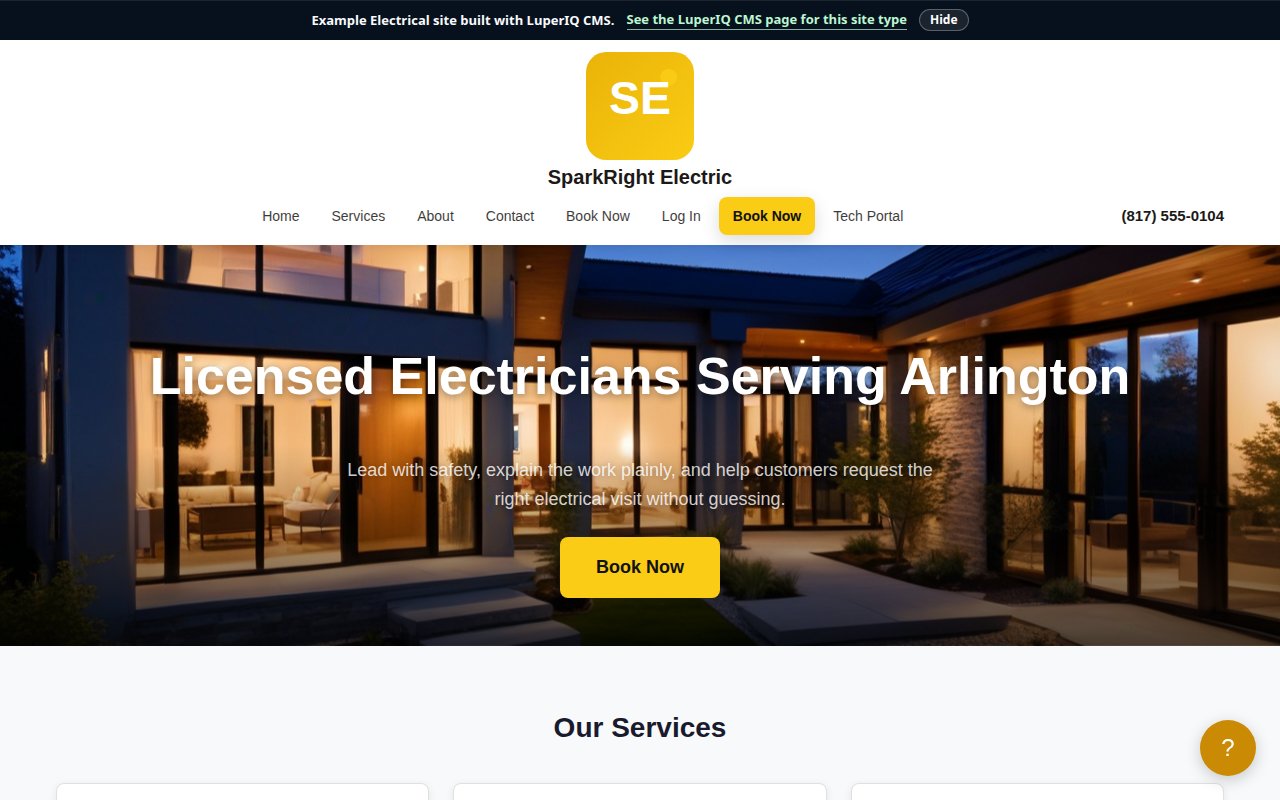
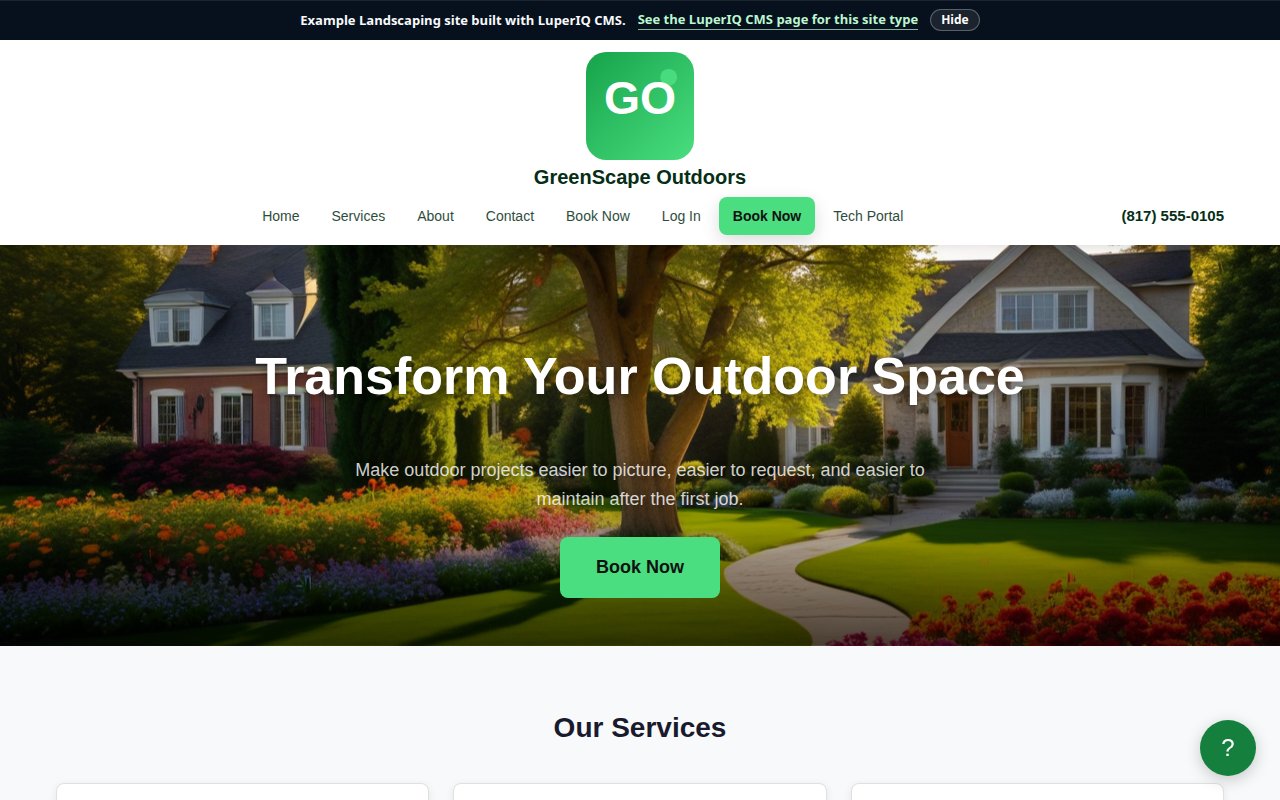
Electricians, HVAC, plumbers, pest, landscaping

Publish the services and areas that matter, let customers request or book work, keep job details organized, and make invoices part of the same workflow.

Hospitality & Appointment Brands

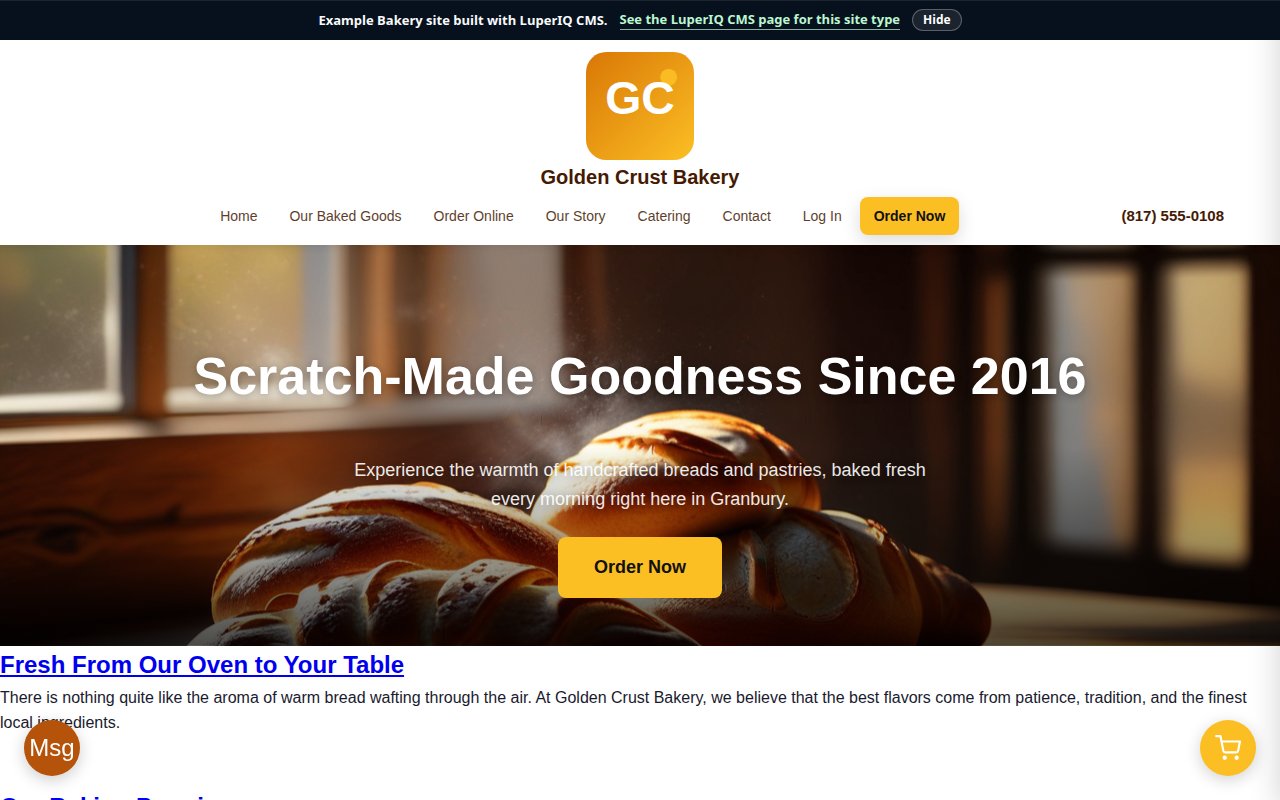
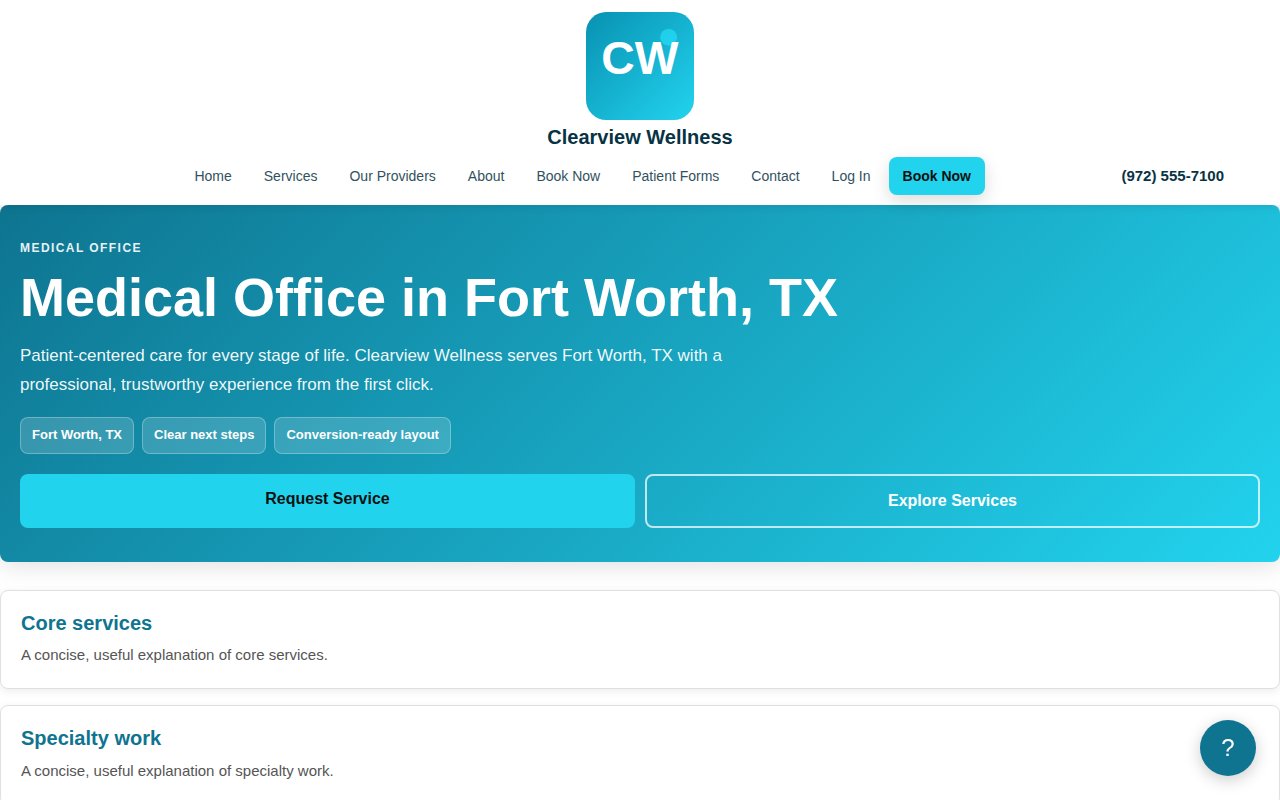
Restaurants, bakeries, salons, wellness offices

Show menus or service lists, publish hours and location details, support booking or ordering paths, and keep seasonal content easy to update.

Repair, Pros & Multi-Site

Repair shops, professional offices, agencies

Handle intake, diagnostics, portfolios, local pages, portal access, and repeatable theme/module stacks without turning every new site into a from-scratch build.

Simple pricing for the first public customers

Start free forever, upgrade only if you want reduced branding, and lock in the lifetime plan at 50% off while this offer is live. Customers keep the price they bought.

Customers keep the purchased lifetime price. The lifetime deal includes 500 AI credits, two production domains, local domains for development, and free updates on current CMS modules. Additional AI credit packs do not expire for one year and keep the pack price you purchased.

Managed hosting is included on LuperIQ infrastructure. Sites under 10,000 monthly page views, 2 GB storage, and 50 GB transfer stay free — most small business sites never exceed this. If your business grows past those limits, hosting scales starting at $29/month. Self-hosting is always available as an alternative.

Checkout requires agreement to our Terms of Service and Privacy Policy. White-label, enterprise, and source-available licensing are separate custom agreements.

Need help affording this? We have options.

AI credits with real math

114 paid AI workflows and 4 free admin workflows are currently registered. Most actions run 1-20 credits each, with transparent costs before you click and as-low-as pricing based on the biggest current credit pack.

How credit pricing maps to USD

Credit packs currently range from $0.070 to $0.170 per credit, depending on the bundle size you choose.

Inside Theme Studio UI, AI prompts are shown with an estimate around $0.15 per credit so teams can make quick decisions while editing.

During early release, credit packs do not expire for one year and keep the pack price you purchased if public pack pricing increases later.

  • SEO and metadata generation for discoverability
  • Theme Studio layout and design acceleration
  • Inspection, technician, and field-ops writing support
  • Service, customer, and profile intelligence improvements
Explore AI Workflows
100 Credits
$17.00
$0.170/credit
500 Credits
$55.00
$0.110/credit
2,500 Credits
$225.00
$0.090/credit
10,000 Credits
$800.00
$0.080/credit
50,000 Credits
$3500.00
$0.070/credit

Popular AI actions and cost ranges

Workflow Credits Approx Cost
AI Theme Generator
Build full theme directions in Theme Studio.
3 $0.21 - $0.51
AI Layout Suggestions
Get layout ideas for headers, pages, and sections.
3 $0.21 - $0.51
AI Accessibility Audit
Catch readability and UX accessibility issues early.
3 $0.21 - $0.51
AI SEO Title Generator
Generate page-ready SEO titles quickly.
1 $0.07 - $0.17
AI Meta Description Generator
Write click-worthy meta descriptions.
1 $0.07 - $0.17
AI Generate Report
Turn inspection data into cleaner client reports.
5 $0.35 - $0.85
AI Market Analysis
Get local market insights for new content and offers.
5 $0.35 - $0.85
Long-Form Page Builder
Draft high-depth service and landing pages.
20 $1.40 - $3.40

Platform FAQ

What is LuperIQ?

LuperIQ is a CMS and site builder for personal, community, and business websites. Free site types can stay simple for families, creators, churches, classrooms, clubs, teams, reunions, and events. Business sites can add booking, invoicing, customer portals, SEO tools, Theme Studio, and AI workflows when the site needs to handle real operational work.

Is this just an AI website builder?

No. AI helps with drafting, SEO, summaries, and admin work, but LuperIQ is meant to be a business platform. The more important pieces are the site structure, customer actions, operations modules, pricing clarity, and the ability to keep improving the site after launch.

Who is the platform built for?

LuperIQ supports free personal and community sites as well as business websites. That includes families, creators, churches, classrooms, clubs, teams, reunions, and special events, plus local businesses like HVAC, pest control, plumbing, electrical, landscaping, restaurants, bakeries, salons, medical offices, repair shops, professional services, and agencies managing similar clients.

What if I already use WordPress?

If WordPress is already working for you, start with LuperIQ Modules instead of rebuilding everything at once. The module path can support SEO, content, analytics, and conversion work while you decide whether the standalone CMS makes sense later.

How do AI credits work?

Every task has a fixed credit cost, and that cost is shown before you run it. Packs currently range from $0.070 to $0.170 per credit, and task costs usually land between 1 and 20 credits.

Where does AI processing happen?

AI tasks run on our own dedicated servers — not shared cloud infrastructure. Most work stays on our hardware using private models. When a task benefits from a larger AI model, we route it securely to a cloud provider, but your data is always kept separate from other customers.

Can I try it before buying?

Yes. Start free, explore the example sites and builder flow, then move to Pro Monthly or the 50% off lifetime deal when you are ready. AI credits stay separate, so you only buy AI usage when you need it.

Can I self-host or license the source?

For now, the standard customer path is LuperIQ-hosted so we can keep the platform stable, secure, and fast while the product matures. White-label hosting, enterprise self-hosting, and source-available licensing are available separately under custom commercial terms. Read the managed hosting terms or the enterprise source-available summary for the practical overview.

Stay in the loop

Get product updates, launch pricing notes, new example sites, and practical CMS progress. No spam.

Also from LuperIQ Labs

LuperIQ also builds AI services, security infrastructure, productivity tools, and personal software. Those projects are here when they fit, while the main website path starts with the CMS.

Ready to build the kind of site you actually need?

Start free, look at the examples, and choose the business path only when the platform fits the way you work.