Contributing Verified Content
LuperIQ Search is built on expert knowledge. If you're a proven professional in your field, you can contribute verified content, earn tips from grateful users, and build your reputation with a gold_expert badge.
What Expert Contributors Get
Gold Expert Status
A gold_expert badge on all your search results, showing users you're a proven professional.
Orbit Credit Tips
Users who find your content helpful can tip you Orbit credits. Credits transfer instantly to your balance.
@luperiq.com Email
Your own forwarding email address for platform communications and professional identity.
How Content Gets Reviewed
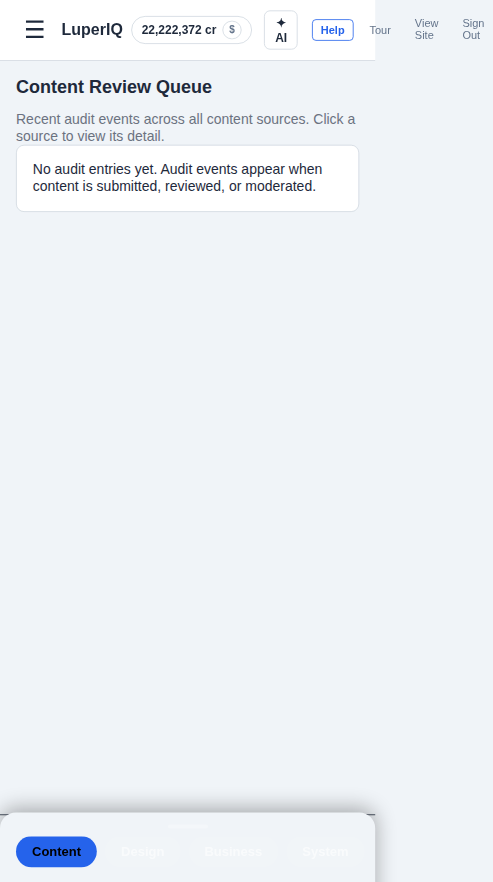
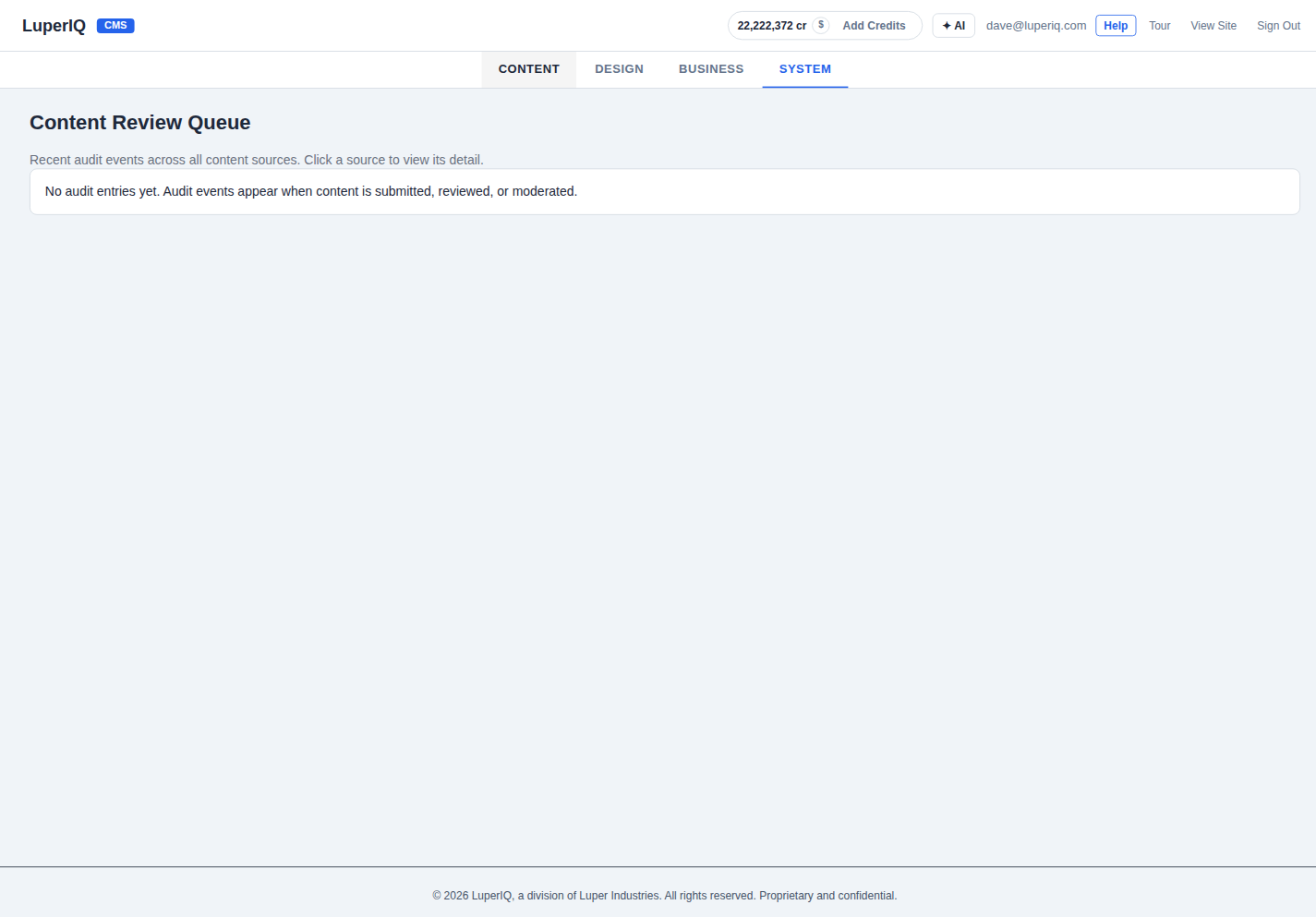
Every submission goes through the Content Review system. Admin moderators review content in the Review Queue, assigning quality scores based on accuracy, completeness, and sourcing. Moderation rules can flag, restrict, or exclude content by industry, topic, or quality threshold.
Here's what happens behind the scenes — you won't see these screens, but this is how our team ensures every piece of content meets our standards.
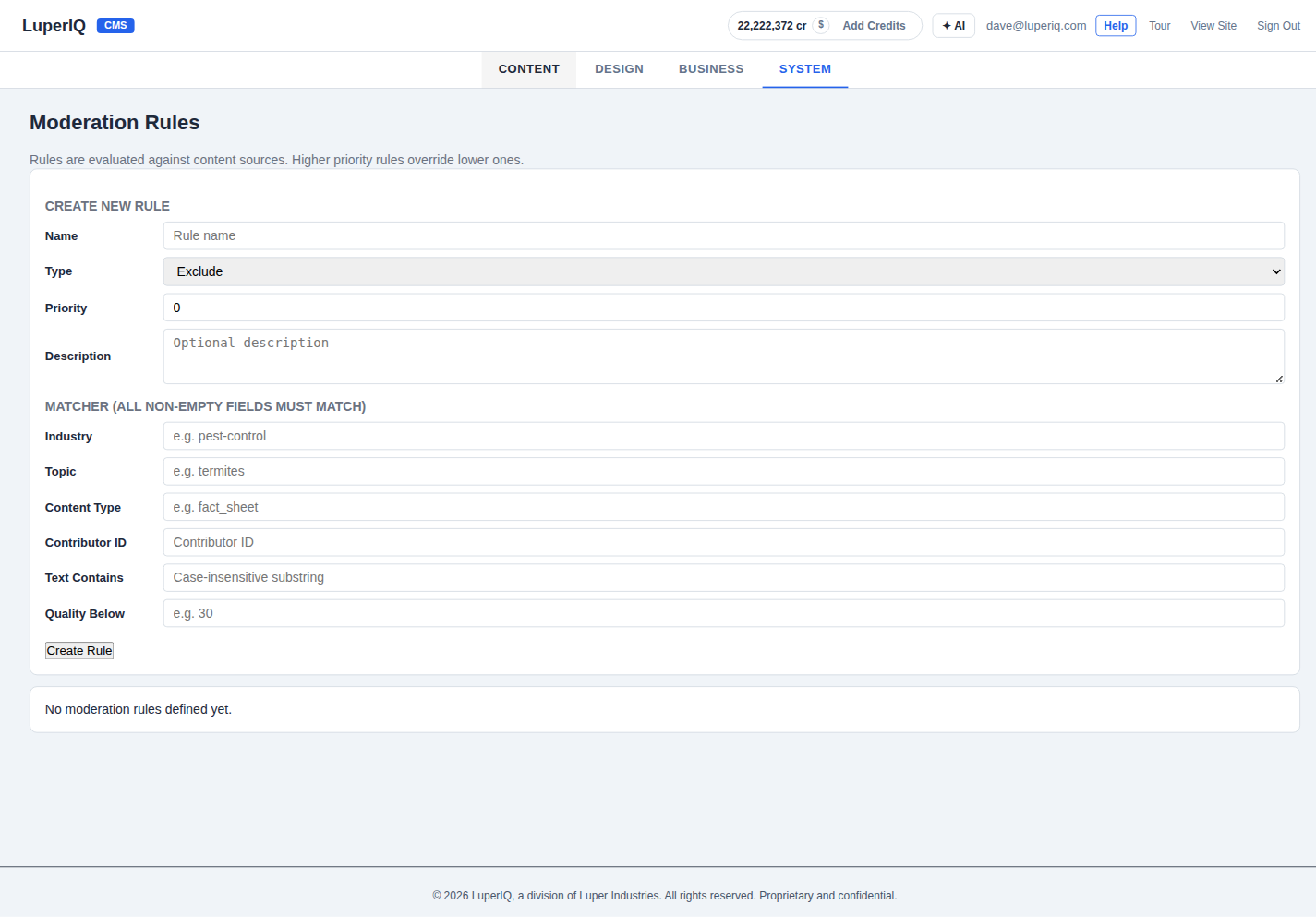
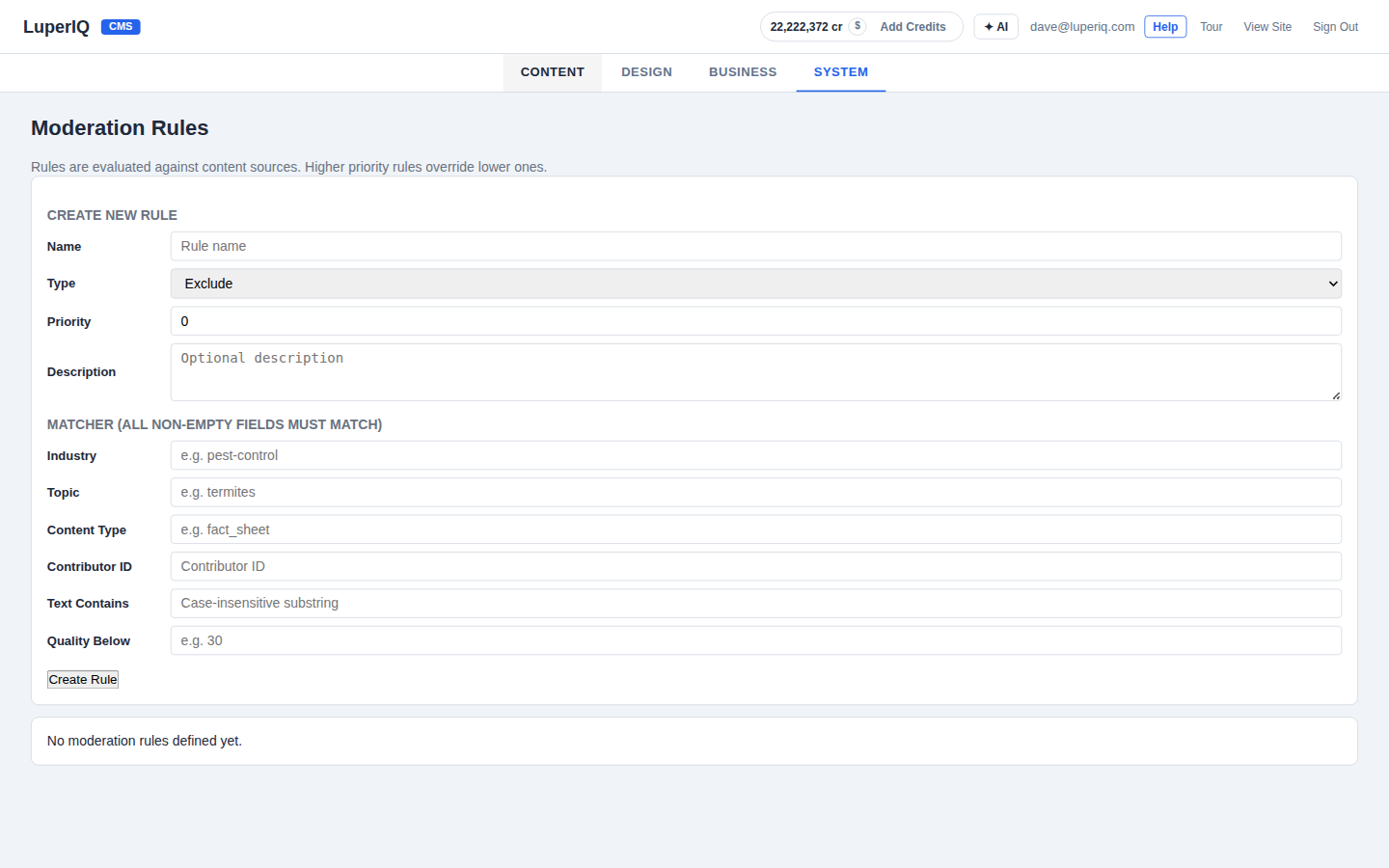
The Rules Engine
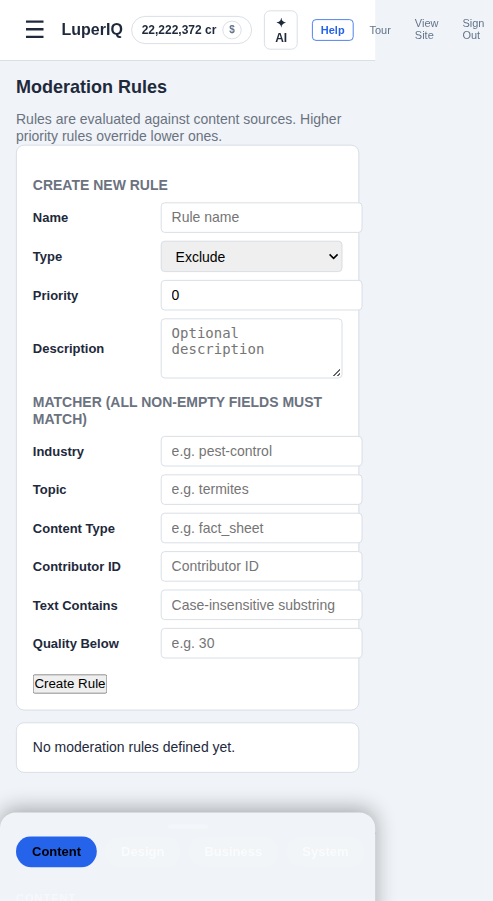
Our moderation team uses rules to maintain quality across the platform. Rules match content by industry, topic, content type, contributor, text content, or quality threshold. Rule types include Exclude, Include, Flag, and Restrict. Higher priority rules override lower ones. Contributors never interact with this system directly — it runs automatically.
Your Audit Trail
Every action on your content is logged in an immutable audit trail: submission, review, approval, quality scoring. You can see your own audit trail, quality scores, admin notes, and fact status. Full transparency on how your content was evaluated — read-only, nothing hidden.
Earning Tips
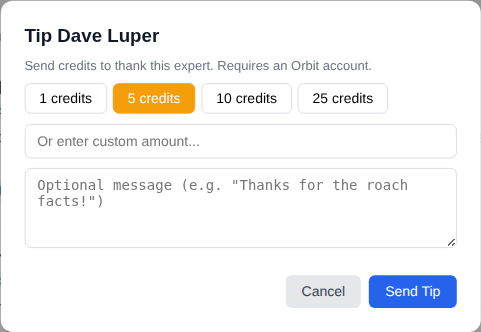
When users find your content helpful, they can tip you Orbit credits right from the search results. Credits appear in your Orbit balance and tip history. The transfer is instant and atomic.
Platform Infrastructure
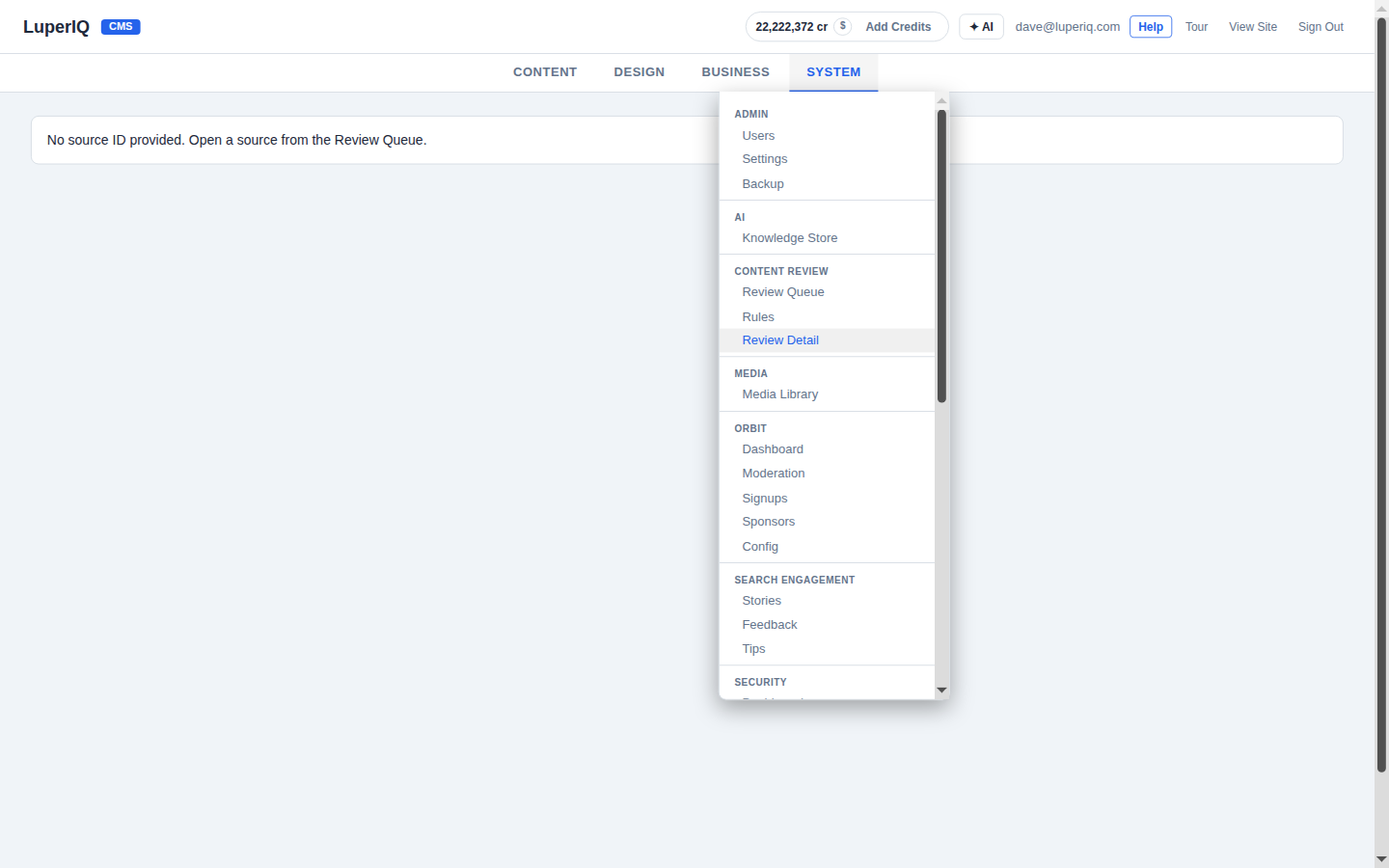
The CMS admin panel has dedicated sections for Content Review and Search Engagement. The moderation team uses these tools to manage the entire review pipeline — from submission to publication.
Works on Mobile
The admin review tools work on mobile too, so the moderation team can review content from anywhere.