Your LuperIQ Account
With a free Orbit account, you unlock the full platform — save results, tip experts, share your stories, and get your own @luperiq.com email.
Your Dashboard
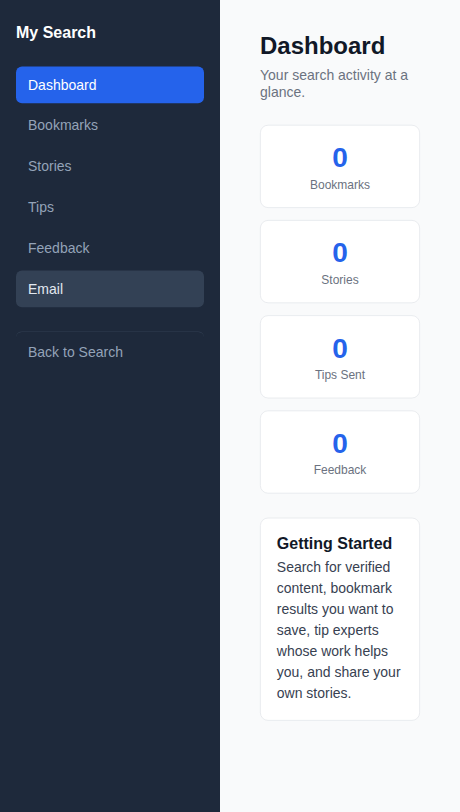
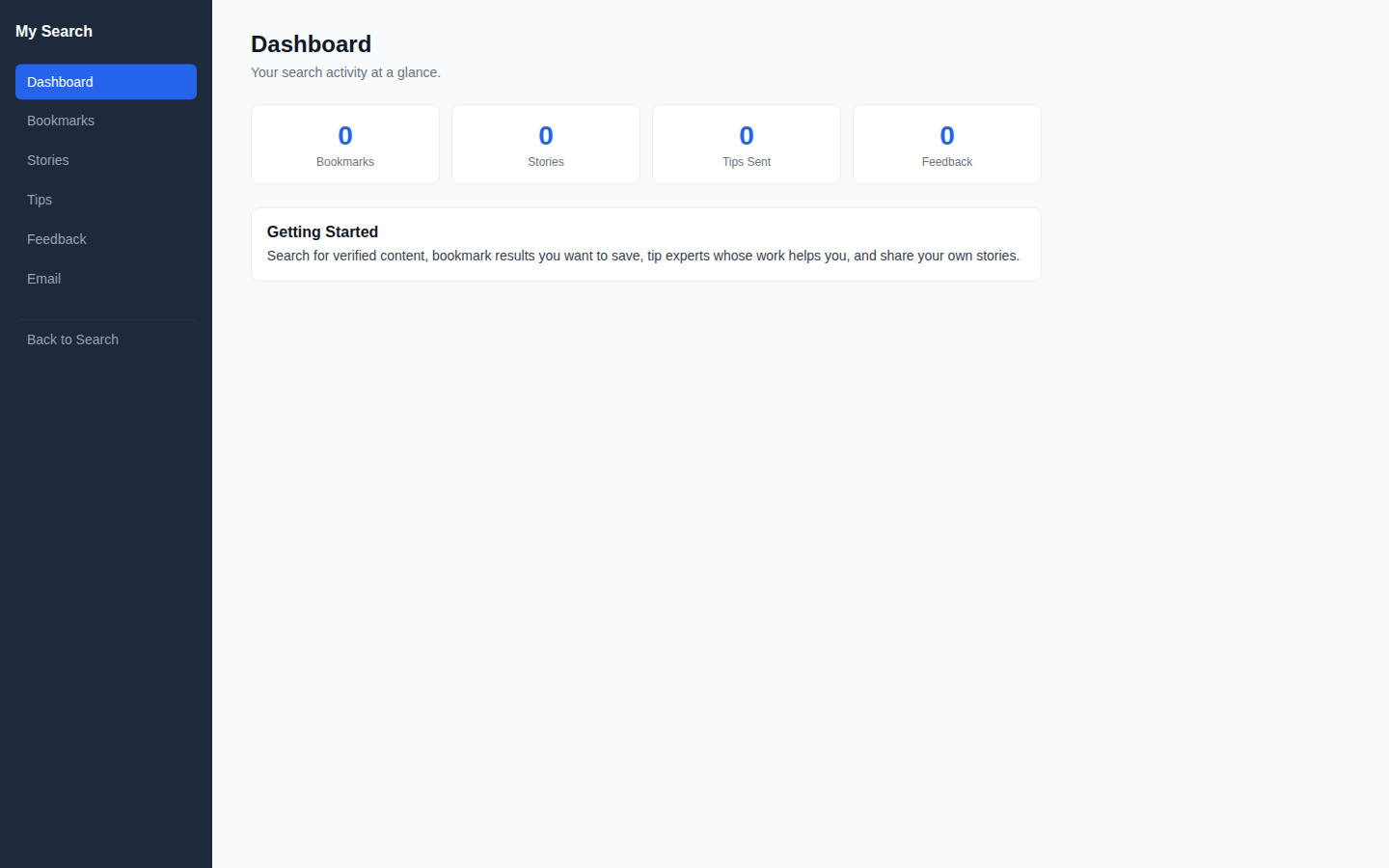
After logging in, visit your dashboard to see your activity at a glance. Stat cards show your Bookmarks, Stories, Tips Sent, and Feedback counts. The sidebar navigation takes you to each section.

Saving Bookmarks
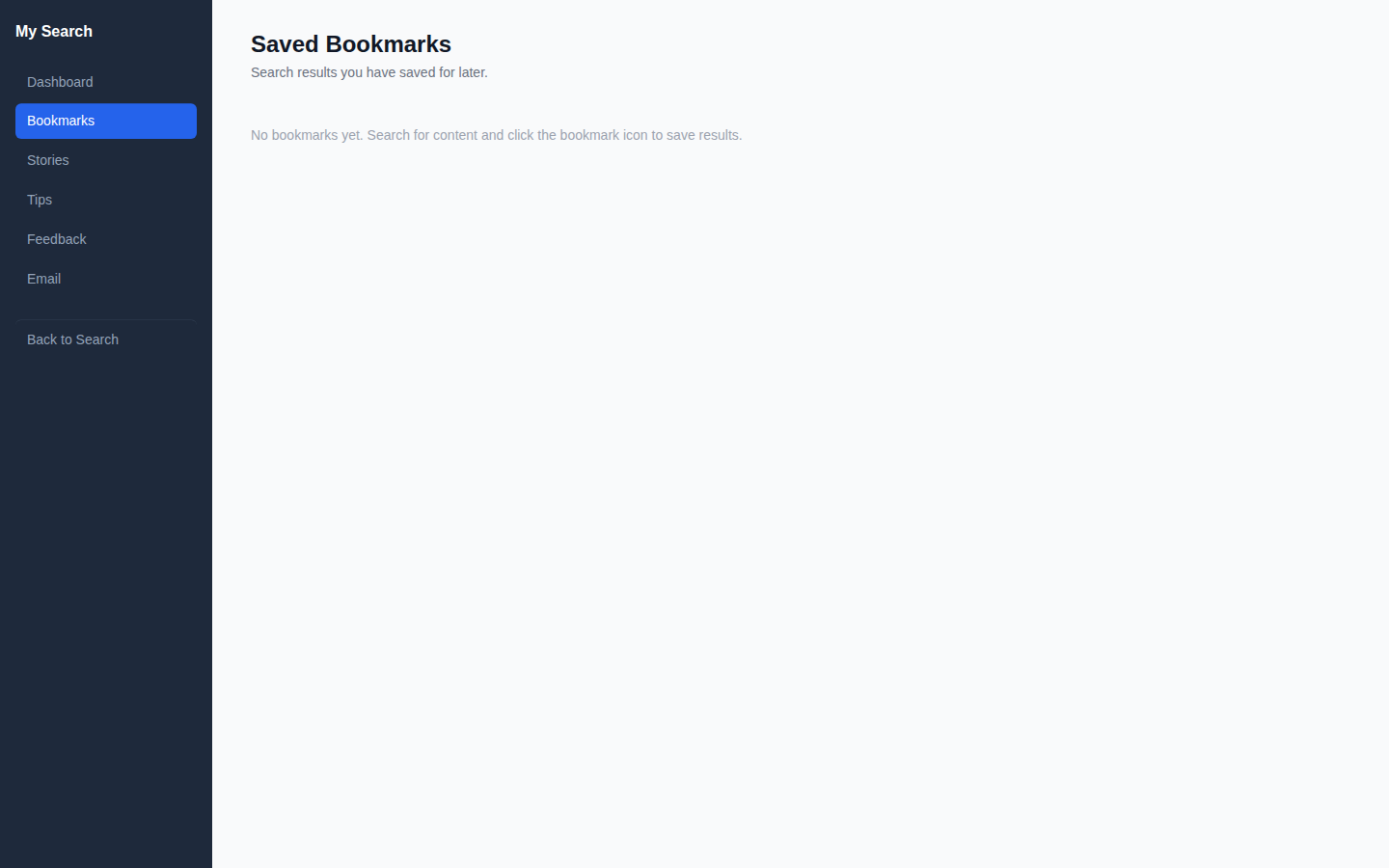
Found a result you want to come back to? Save it as a bookmark. All your saved results appear in your Bookmarks section for easy access later.
Tipping Experts
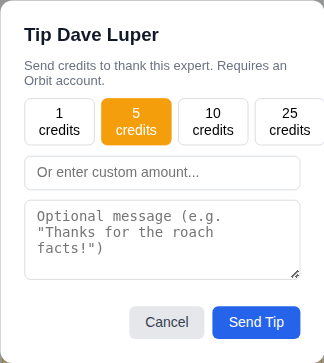
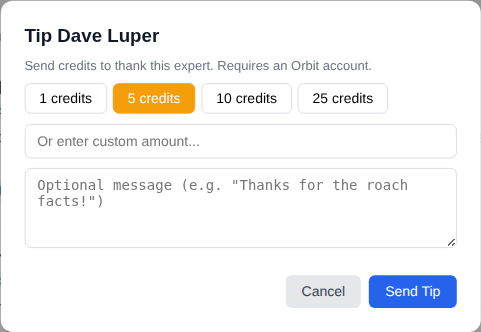
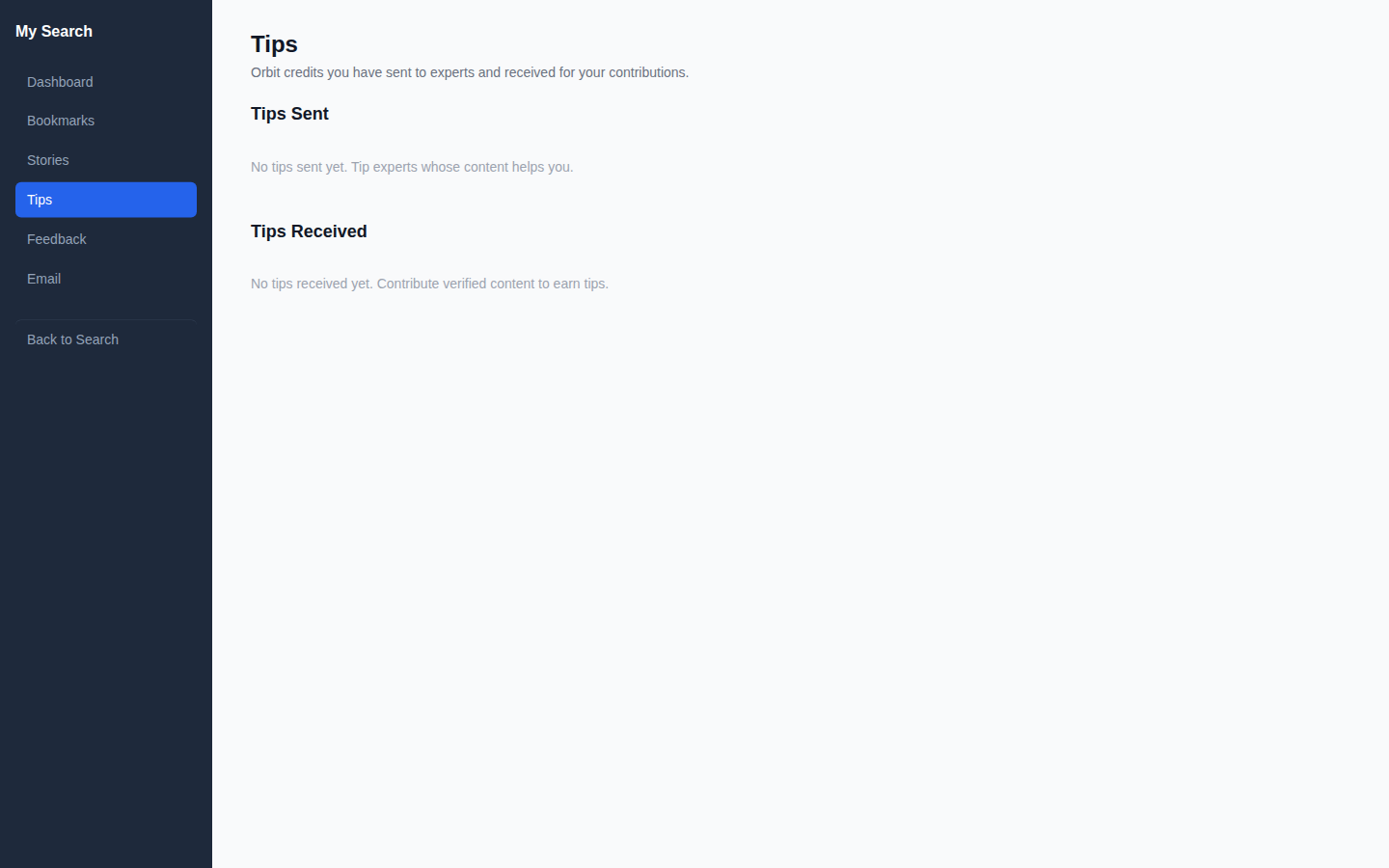
Click the Tip Expert button on any result to send Orbit credits to the author. Choose a preset amount (1, 5, 10, or 25 credits) or enter a custom amount. You can add an optional thank-you message. Credits transfer instantly from your balance to the expert's balance.
Sharing Your Story
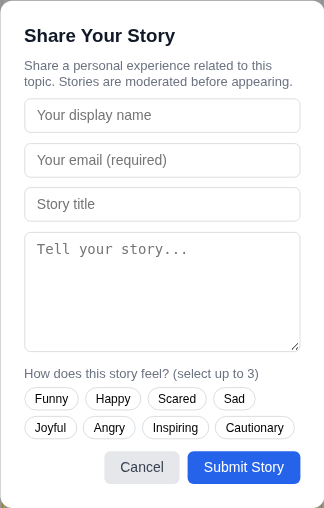
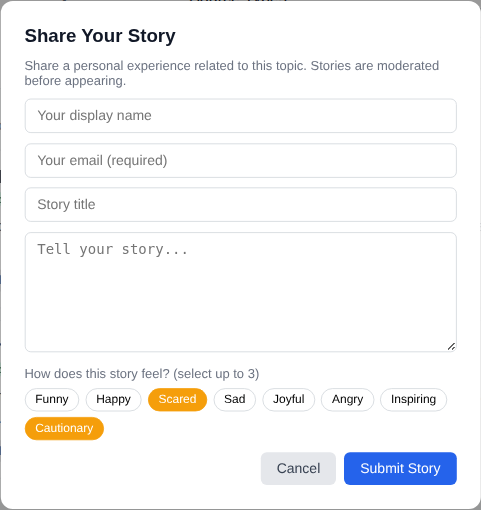
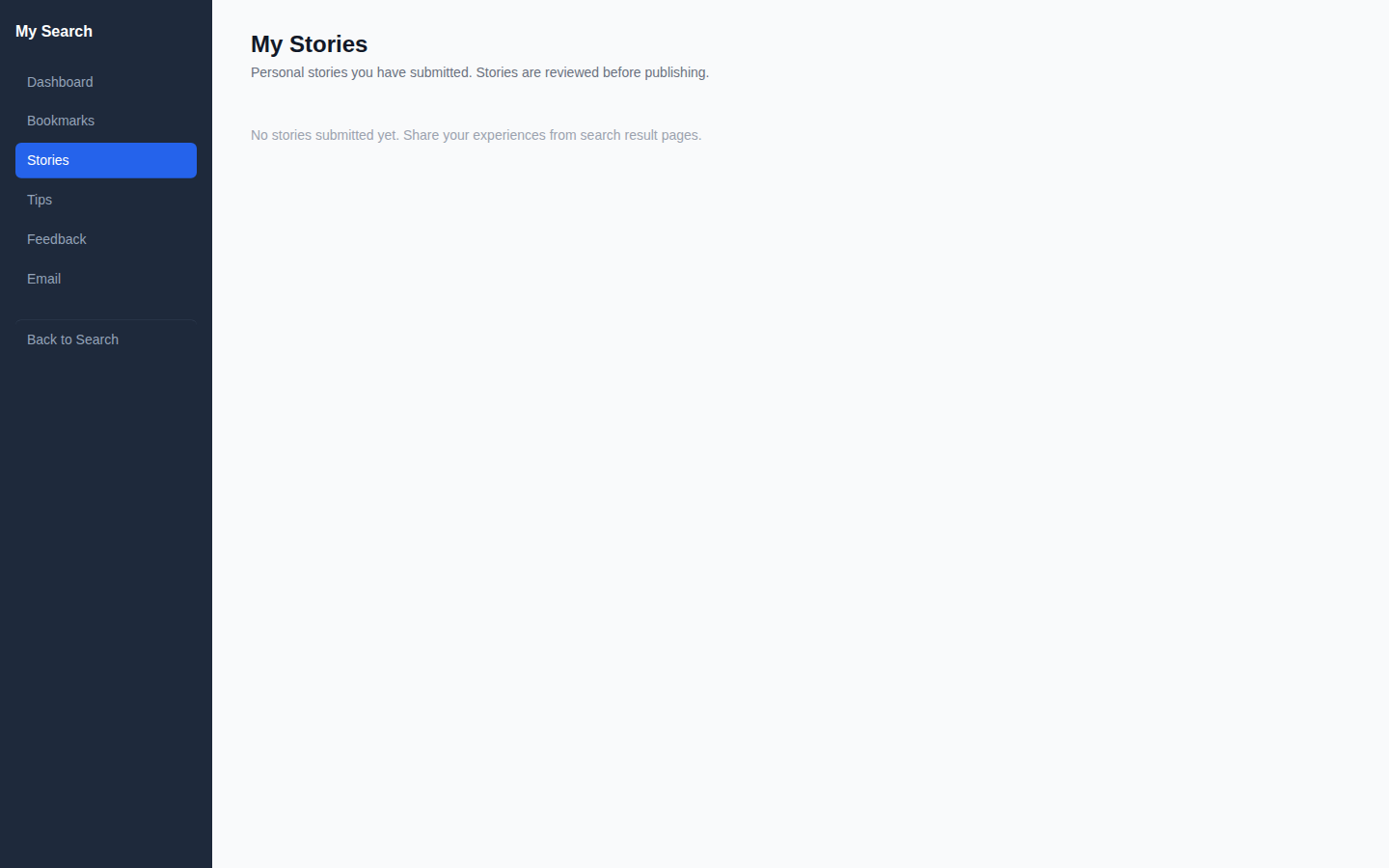
Click Share Story on any result to share a personal experience related to that topic. Enter your name, email, a title, and your story. Tag up to 3 emotions that describe how the experience felt — Funny, Scared, Cautionary, and more. Stories are reviewed by moderators before appearing publicly.
Your Feedback History
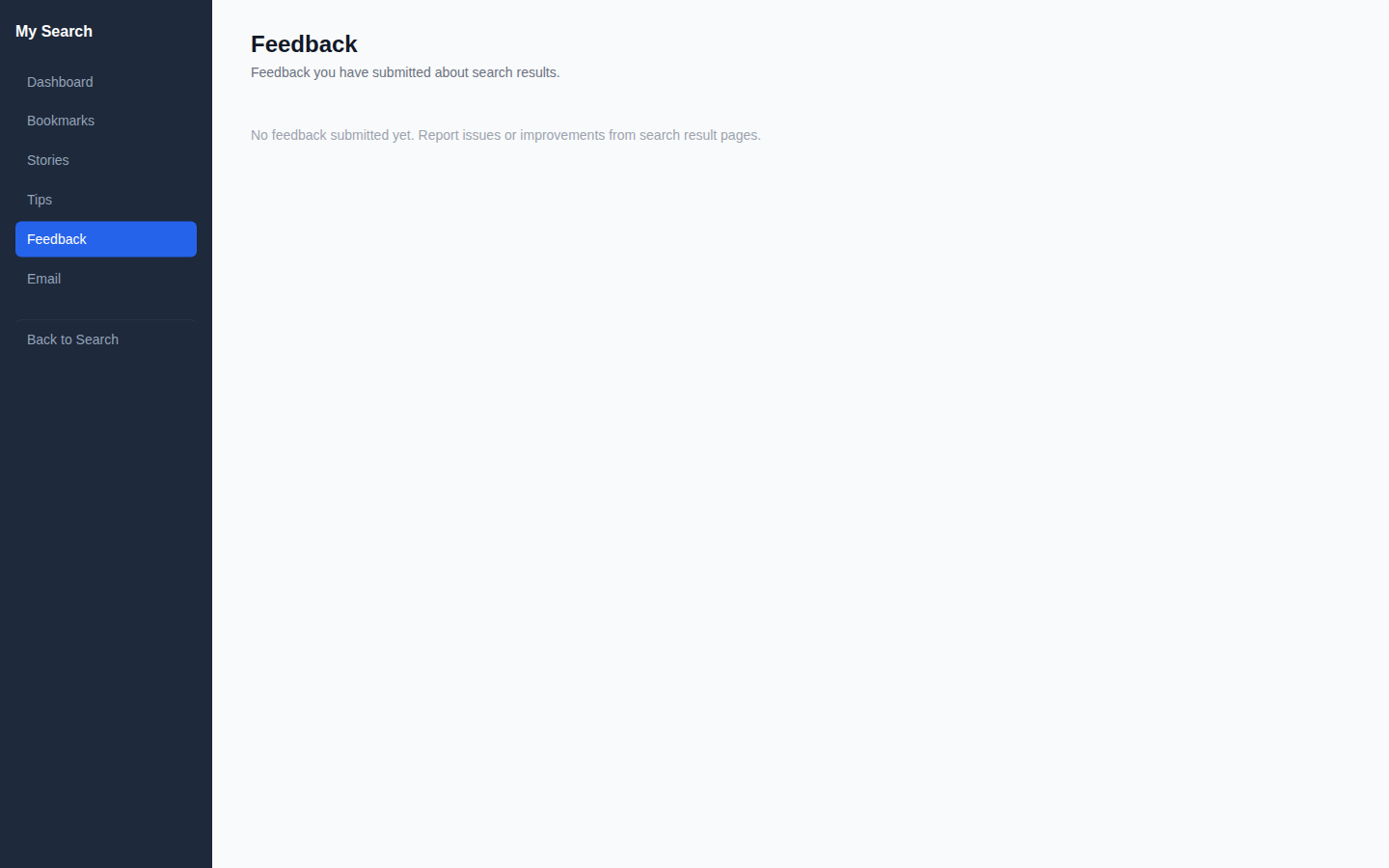
View all feedback you've submitted from your portal. Track whether your feedback has been reviewed by the admin team.
Your @luperiq.com Email
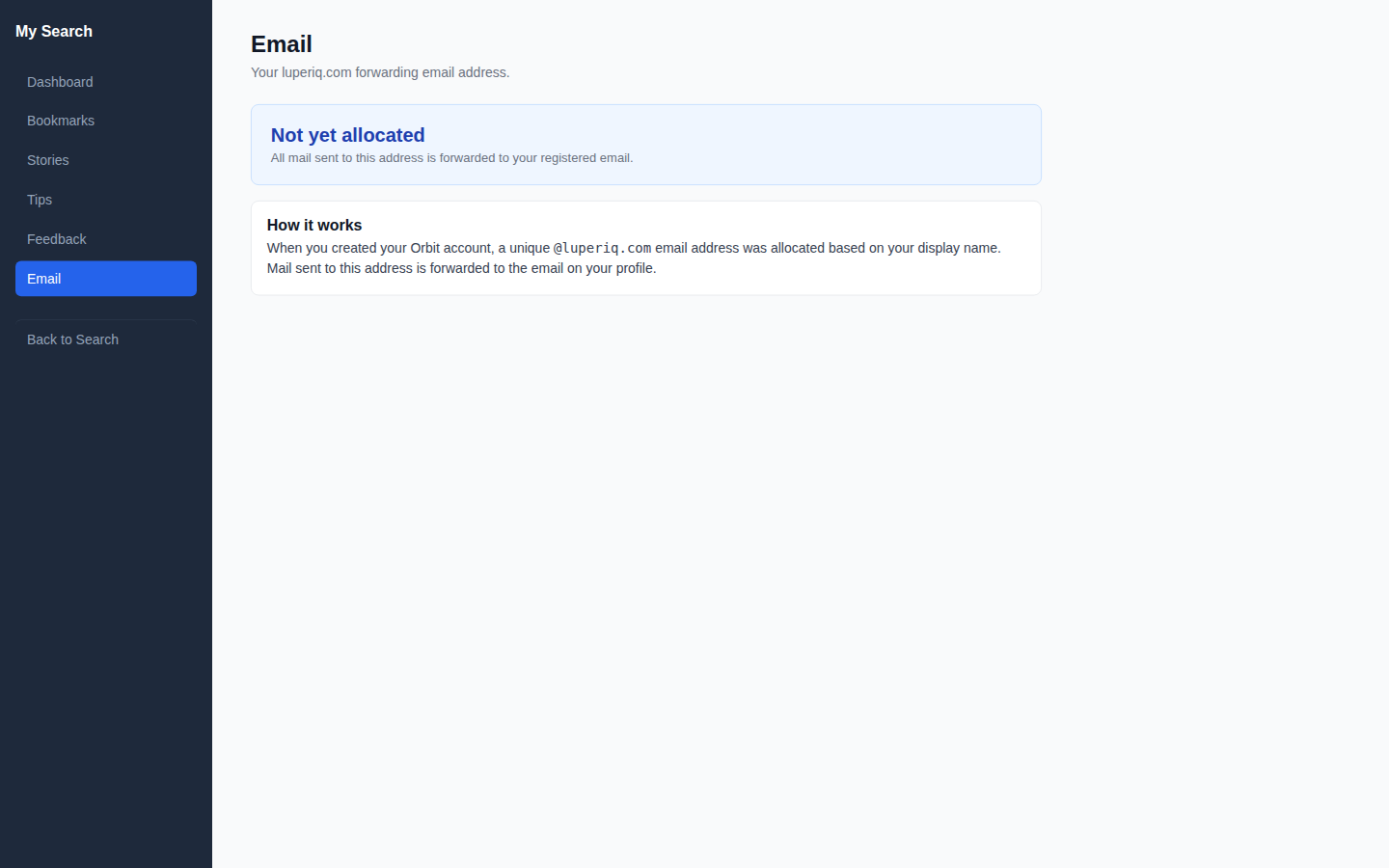
When you create an Orbit account, you get a unique forwarding email address: yourname@luperiq.com. All mail sent to this address forwards to the real email on your profile. It's used for platform notifications and contributor communications.
Works on Mobile
The full portal works on your phone with sidebar navigation. Tip, bookmark, and share stories from any device.